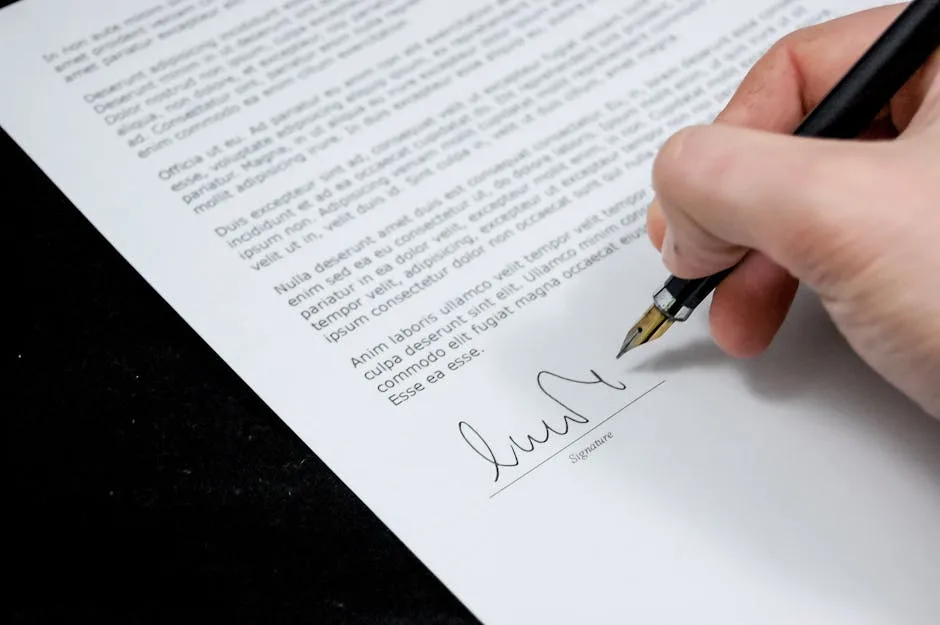
Printing a document just to sign it and scanning it back is a thing of the past. Today you can sign a PDF online free in less than a minute, without installing any program and from any device. In this guide we explain the different types of electronic signature, their legal validity and how to add your signature to any PDF easily.
What is electronic signature?
An electronic signature is any digital method that allows identifying the signer and expressing their consent about document content. In practical terms, there are three main types:
Simple electronic signature
It\'s the most basic. It includes handwritten signatures drawn on screen, images of your scanned signature, or simply typing your name. It has legal validity in private contracts and informal communications, but not in procedures with the Public Administration.
Advanced electronic signature
It\'s linked to the signer uniquely and can detect any post-signature modifications to the document. It\'s based on digital certificates and complies with the eIDAS standard in Europe. Valid for higher-value commercial contracts and some administrative procedures.
Qualified electronic signature
It\'s the legal equivalent of handwritten signature in all contexts, including procedures with the Administration. It requires a certificate issued by a recognized certification authority and in many cases a physical device (cryptographic card or electronic ID).
For most private contracts, commercial agreements and internal approvals, a simple electronic signature is completely sufficient and legally valid according to Spanish Civil Code and eIDAS Regulation.
Is signing a PDF online legal?
Yes. In Spain and throughout the European Union, the eIDAS Regulation (No. 910/2014) recognizes the legal validity of electronic signatures. A digitally signed document is admissible as evidence in legal proceedings. The basic requirements are:
- The signer is identifiable.
- There is evidence of their consent.
- The document has not been altered after signature.
For employment contracts, notarial acts or actions requiring qualified signature by law, you\'ll need a more advanced method.
How to sign a PDF online with our tool
Using our PDF signing tool is quick and requires no registration:
- Go to herramientasgratis.com/en/sign-pdf.
- Upload the PDF you need to sign.
- Choose how you want to add your signature:
- Draw: Use the mouse or finger (on mobile or tablet) to write your signature by hand.
- Type: Type your name and choose from various cursive font styles.
- Upload image: Upload a photo of your signature on paper (white or transparent background).
- Drag the signature to where it should appear in the document.
- Adjust size if necessary.
- Click "Apply signature" and download the signed PDF.
You can add multiple signatures if the document requires more than one, and also add the date next to the signature.
Sign from mobile
Our tool works perfectly on smartphones and tablets. It\'s even more comfortable to sign with your finger on the touchscreen than with the mouse, as the gesture is more natural. Just open the browser, enter the tool and sign directly with your finger.
Tips for a professional-looking digital signature
- If you upload a photo of your signature, use white or transparent background so it integrates well in the document.
- Adjust the opacity and size of the signature so it\'s readable but doesn\'t cover document text.
- Place the signature in the usual location: at the end of the document, on the line marked "Signed" or next to your name.
- If the document has multiple pages to sign (contracts with initials on each page), you can add the signature to each one.
What do I do after signing the PDF?
Once you\'ve signed the document, we recommend:
- Save it securely: Rename it with the date and contract name for easy finding.
- Email it: The signed PDF can be attached directly to the email.
- Compress it if necessary: If it\'s too heavy, use our PDF compression tool.
- Protect it with password: For sensitive documents, use our tool to add password to PDF.
Frequently Asked Questions About PDF Signing
Is my signature saved on your servers?
No. The signing process occurs securely and files are automatically deleted after download. We don\'t store your signature or document content.
Can I sign a PDF that already has another person\'s signature?
Yes, as long as the PDF isn\'t protected against editing. You can add your signature next to the other party\'s signature.
Can it be verified that the PDF hasn\'t been modified after signing?
With a simple electronic signature (signature image), there\'s no cryptographic verification mechanism. If you need integrity guarantees, consider a digital signature solution with a certificate.
Sign your PDF right now
No registration, no installation, no cost. Your signature in the document in less than a minute.
Sign PDF free →